PicGo — Open-Source Image Uploader
for Windows, macOS and Linux
The Ultimate Image Uploader for Efficient Creators
Upload images and files to GitHub, S3, PicGo Cloud and more — get a Markdown link back instantly.
The Ultimate Image Uploader for Efficient Creators
Upload images and files to GitHub, S3, PicGo Cloud and more — get a Markdown link back instantly.
From drag & drop to global shortcuts. Instantly get the specific link format you want
Drag your files into PicGo, it will automatically upload and copy the URL to your clipboard.
Upload from clipboard instantly.
(Shortcut customizable)
Right-click to upload.
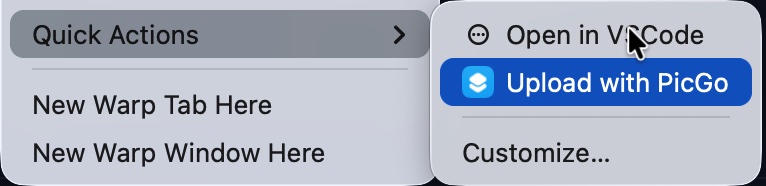
Seamlessly integrated into [ Obsidian ]
Don't switch windows. Just paste in your favorite editor, and let PicGo handle the upload in the background
Enable this workflow via native support or community plugins.
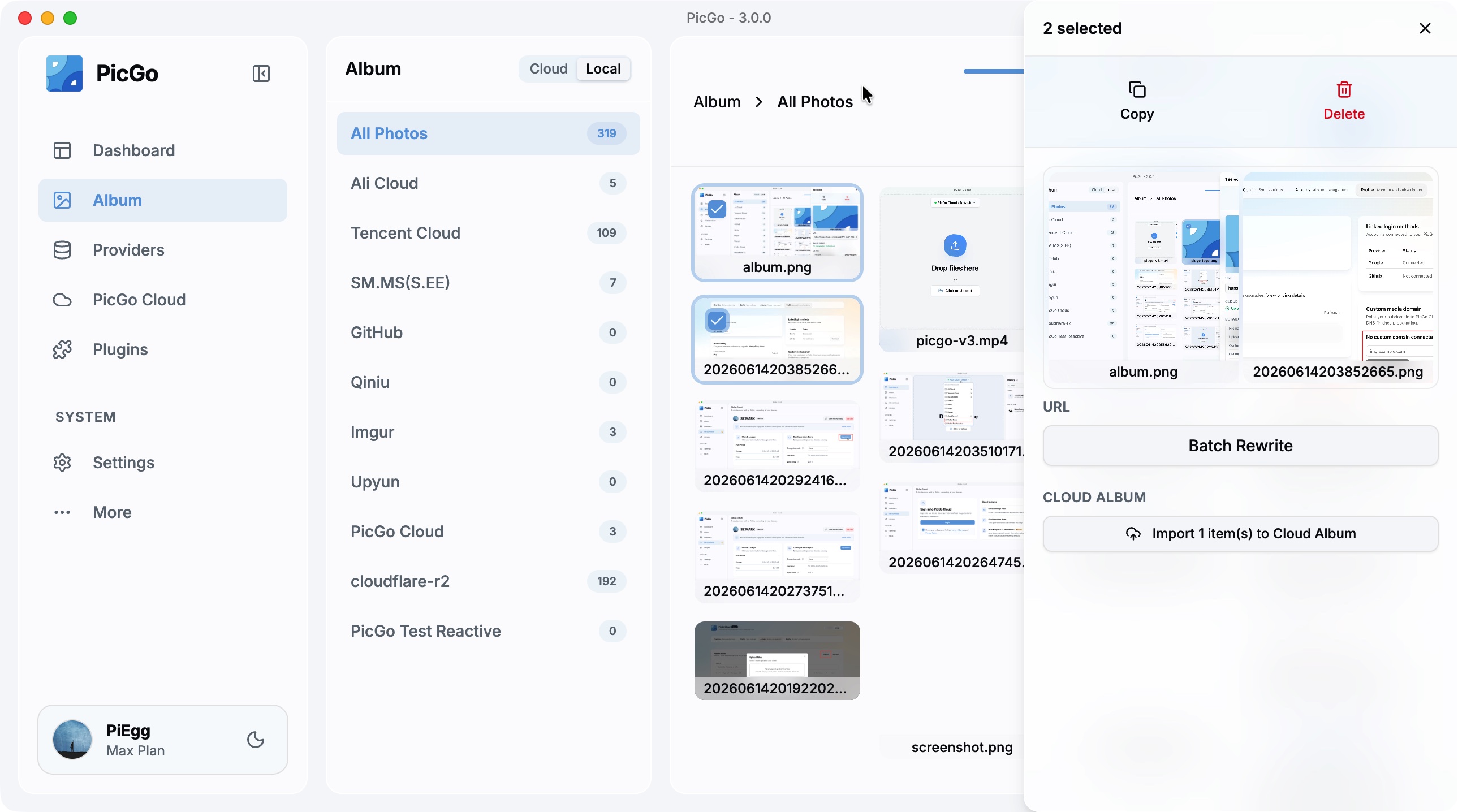
Keep track of every upload. Preview, re-copy, or delete directly from the Gallery
Visual Preview. See what you uploaded in a grid view.
Management. Copy links again or delete records with one click.
Local Data. Fast and private, stored on your machine.
PicGo's core is just the beginning.
Install plugins to unlock powerful features and more platforms
Auto-add text/image watermarks before uploading.
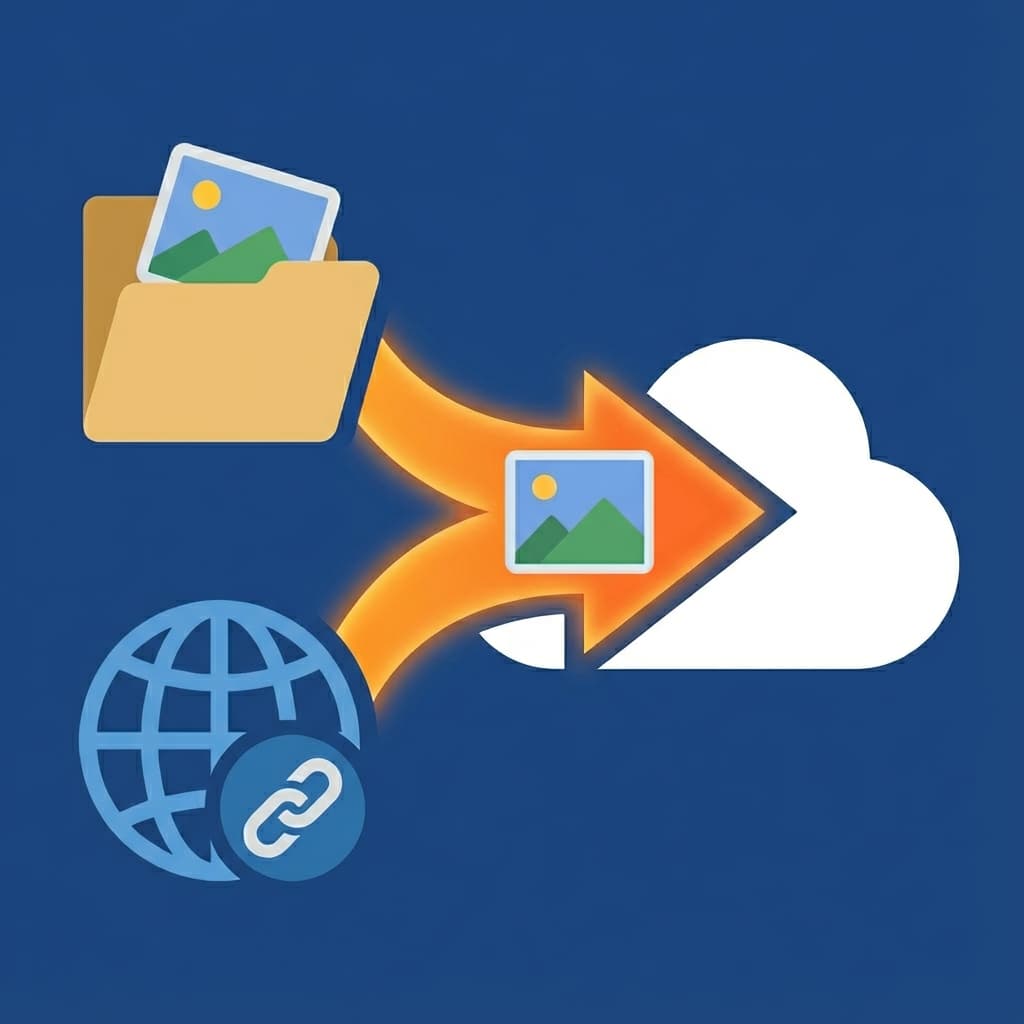
Migrate local images & remote URLs in Markdown to your new host.

Save Bandwidth. Compress images (TinyPNG/WebP) automatically.
Want to build your own? Check the docs.
CLI & HTTP API & Node.js SDK support for your automation
Teach your AI agent to upload images and files with one command.
PicGo Skills let AI agents upload images and files on your behalf — no manual setup, no context switching. Just install the skill and your agent knows how to use PicGo.
Works with Claude Code, Cursor, Windsurf, and any agent that supports skills.
The official cloud service built by PicGo. Learn more details on the Pricing page.
PicGo Cloud gives you reliable hosting for your images and files that works smoothly with your existing PicGo workflow.
For plan details and limits, check Pricing.
View Pricing
Modelflare: Full strength, stable, nothing watered down. Global SOTA models at a lower cost.

Castaly: Full strength, no upscaling. 40+ image and video models.
AI + No-Code Build reliable business systems

Serverless Autoscaling & Branching
Free Code Signing for Windows Open Source software